
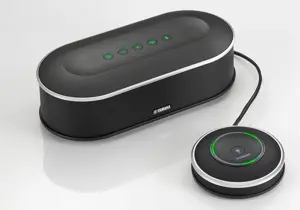
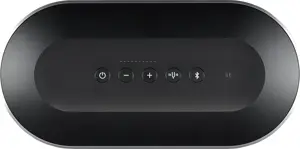
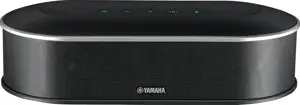
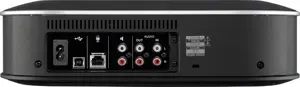
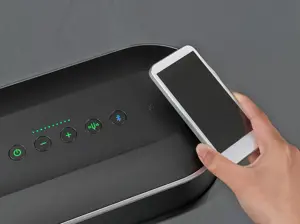



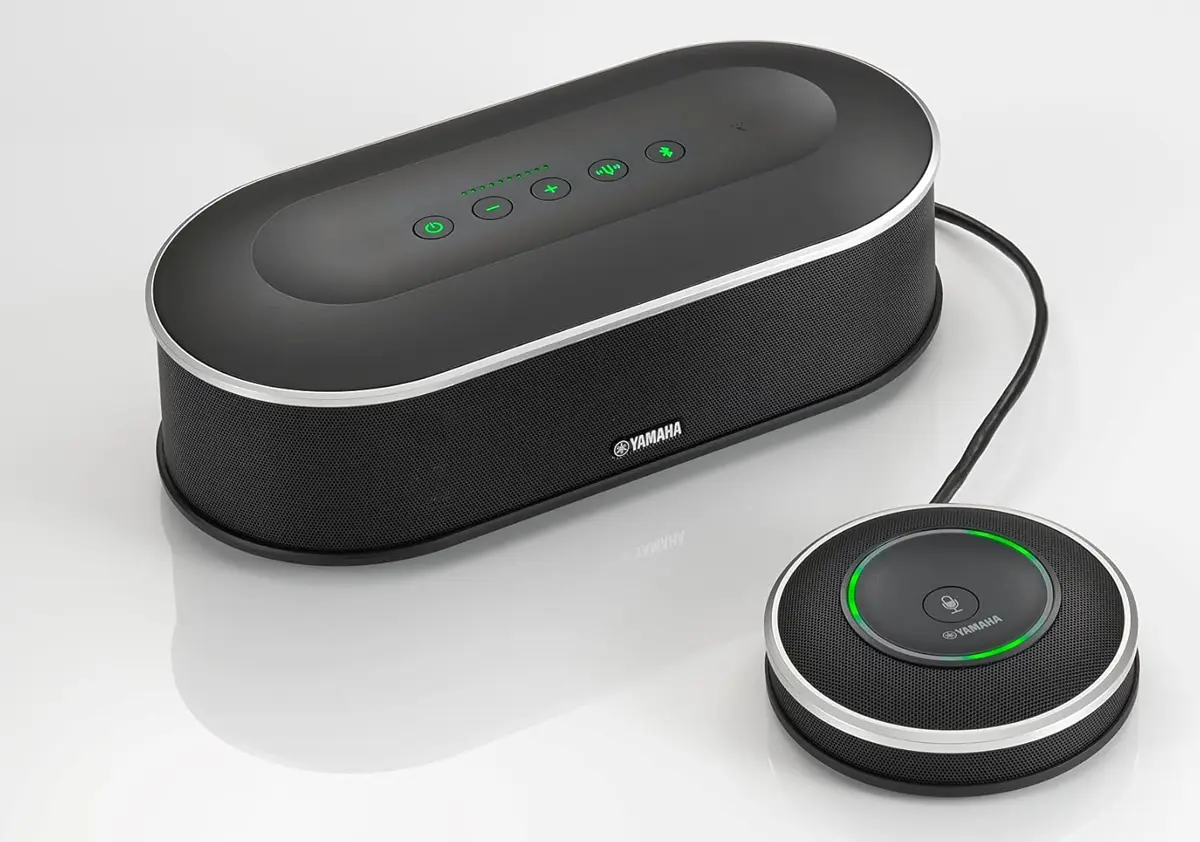
Yamaha Unified Communications Microphone & Speaker Conference Mic System YVC-1000 (Demo Unit)
Rs. 39,999Rs. 69,999
You save Rs. 30,000 (43% Off)Yamaha Unified Communications Microphone
AvailabilityIn Stock
SKUHB-3749
BrandYamaha
CategoriesMicrophones
Shipping and Returns
We offer fast and reliable shipping for all our items. Orders are processed within 1-2 business days and shipped via standard delivery, which typically takes 2-5 business days.
Return & Exchange Policy
We offer 7-day returns and exchanges for items in original condition (Unused), with all accessories enclosed. If you received a defective or incorrect item, we’ll cover the return shipping. Please contact our customer service to initiate a return or exchange.
View our full Return & Exchange Policy.
